
A few years ago, “home security” basically meant a monitored alarm system with a company logo sign staked in your front yard and a monthly bill that felt a little steep for what it actually did. That’s changed a lot. The smart home security market has exploded with options — video doorbells, standalone cameras, smart locks, sensors that talk to your phone instead of a call center — and the range of quality and price is enormous. Some of it is genuinely useful. Some of it is marketing dressed up as innovation.
I’ve spent a fair amount of time testing and comparing systems for different properties, and there’s a clear pattern in what actually matters versus what’s just a feature checkbox designed to look impressive in a product listing. Here’s what I’ve learned.
Start With What You’re Actually Trying to Solve
Before comparing brands or specs, it helps to get specific about what problem you’re solving. “Home security” covers a few different things that don’t always require the same solution: deterring break-ins, monitoring who comes and goes (packages, visitors, kids getting home from school), keeping an eye on the property while you’re traveling, or getting alerted to problems like fire, flooding, or a door left unlocked.
A lot of people buy an expensive, feature-packed system when what they actually needed was a decent video doorbell and a couple of door sensors. Others go the opposite direction, buying a doorbell camera and assuming that alone covers their security needs, when their actual risk (an isolated property, a history of break-ins in the area) calls for something more comprehensive. Matching the system to the actual risk, rather than the flashiest bundle, saves both money and frustration.
Video Doorbells: Worth It, But Read the Subscription Fine Print
Video doorbells have become close to standard at this point, and for good reason — they’re relatively cheap, easy to install, and genuinely useful for package theft, visitor monitoring, and basic deterrence. The catch that trips people up is the subscription model. Most doorbell cameras require a paid plan to access recorded video history beyond a very short window, sometimes as little as a few hours of free storage before older footage gets overwritten.
Before buying, check exactly what’s included for free versus what requires a subscription, and compare that ongoing monthly cost across brands — it varies more than the upfront device price does, and it’s the number that actually adds up over years of ownership.
Smart Locks: Convenience With a Real Trade-Off
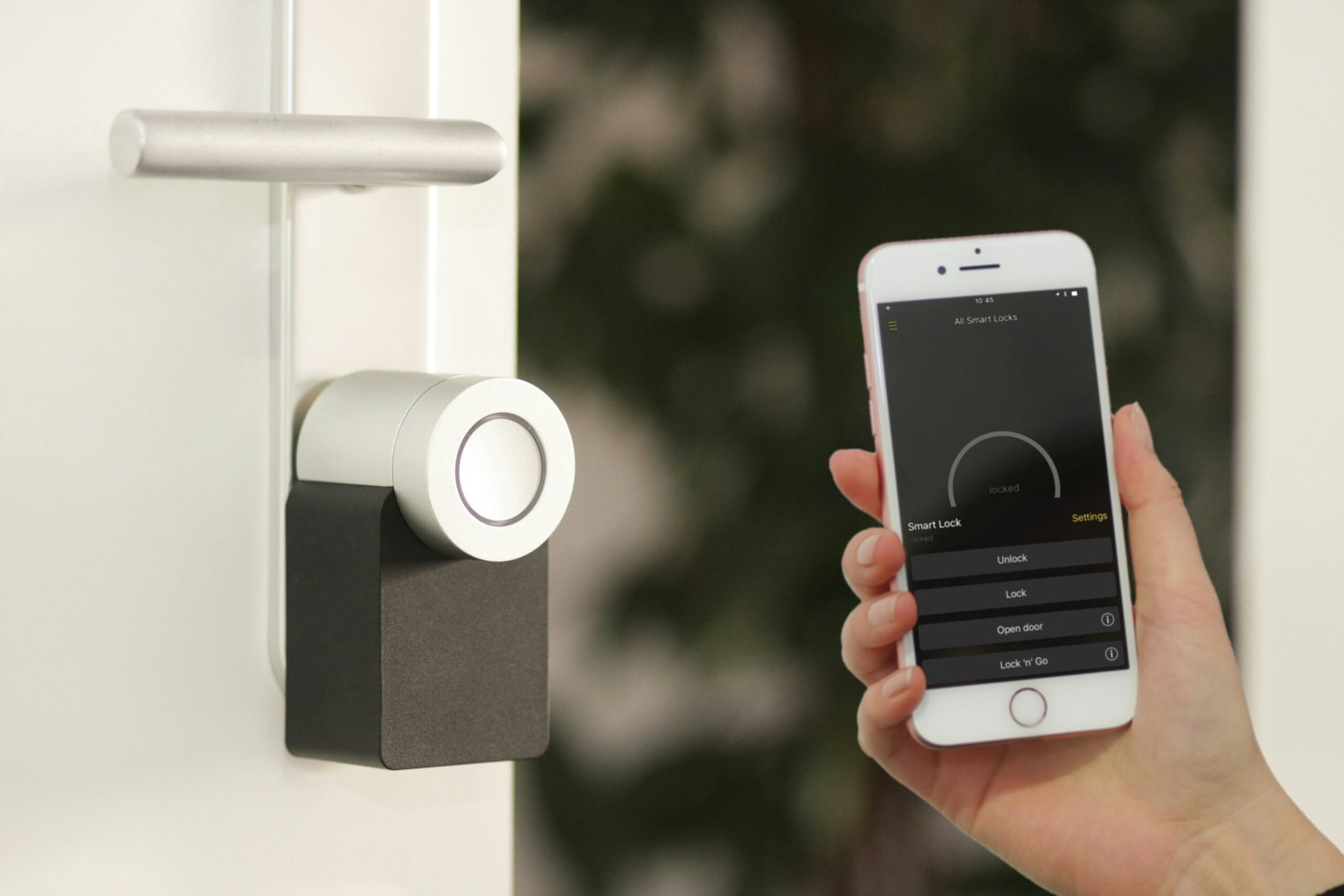
Smart locks let you unlock your door remotely, grant temporary access codes to guests or service providers, and skip the physical key entirely. They’re genuinely convenient, especially for anyone managing a rental property or juggling contractors, dog walkers, or family members who need occasional access.
The trade-off is that you’re adding a connected device to your home’s physical security, and not all smart locks are built with the same rigor. Look specifically for locks with a solid track record on security audits, physical backup key options in case of a dead battery or connectivity failure, and encrypted communication rather than relying purely on a weak default password. A smart lock that’s convenient but poorly secured can end up being a worse choice than a traditional deadbolt.
Cameras: More Isn’t Automatically Better
It’s tempting to think that more cameras means more security, but coverage matters far more than count. A handful of well-placed cameras covering entry points — front door, back door, driveway — usually outperforms a dozen cameras scattered without much thought behind their placement.
Resolution and night vision quality matter more than most buyers initially prioritize. A camera that produces a blurry, low-light image is far less useful during an actual incident than one with clear night vision, even if the daytime footage looks fine on both. Field of view matters too — a wider angle covers more ground with fewer devices, though it can sacrifice some detail at the edges.
Local storage versus cloud storage is another decision worth understanding upfront. Cloud storage is more convenient (and usually required for remote access to footage) but comes with ongoing subscription costs and depends on your internet connection. Local storage, like an SD card or a hub-based system, avoids the subscription fee but is more vulnerable if someone physically takes the device, and doesn’t back up automatically the way cloud storage does.
Sensors and Automation: The Underrated Layer
Door and window sensors, motion detectors, and glass-break sensors don’t get the same attention as cameras, but they’re often the most cost-effective layer of a security setup. They’re cheap, they cover the basics reliably, and when integrated properly with an app, they give you a genuinely useful real-time picture of your home’s status — which doors are open, whether anything unusual has been detected — without requiring you to actively watch a camera feed.
Automations built on top of these sensors add real value too: lights that turn on automatically when a door opens after dark, alerts if a door stays open longer than expected, or a notification if a window sensor triggers while you’re marked as away. None of this requires professional monitoring, and a lot of it works through free apps bundled with the sensors themselves.
Professional Monitoring: Do You Actually Need It?
Traditional monitored alarm systems, where a monitoring company contacts emergency services on your behalf, still have a place — particularly for larger properties, higher-risk areas, or anyone who wants a guaranteed human response rather than relying on self-monitoring through an app. But it comes at an ongoing cost that DIY smart systems don’t require, since most self-monitored systems rely on you (or someone you designate) responding to phone alerts directly.
The right choice depends on how reliably you’d actually respond to an alert. If you’re the type to have notifications buried under fifty other app badges, professional monitoring closes that gap. If you’re diligent about checking alerts and comfortable calling authorities yourself when needed, self-monitoring saves the recurring fee without necessarily sacrificing much practical security.
Interoperability Matters More Than Brand Loyalty
One of the most common frustrations with smart home security is ending up with a pile of devices from different brands that don’t talk to each other well, each requiring its own app. Before buying into any ecosystem, check compatibility with standards like Matter, which is increasingly supported across major brands and designed specifically to reduce this fragmentation. A system built around genuine interoperability tends to age better than one locked entirely into a single brand’s proprietary ecosystem, especially as you add devices over time.
The Bottom Line
The best smart home security setup isn’t necessarily the most expensive or the most feature-dense one — it’s the one that actually matches your specific risks, integrates well without becoming a hassle to manage, and doesn’t bury you in subscription fees you didn’t fully account for upfront. Start with the basics (a doorbell camera, a couple of entry sensors), see how you actually use the system day to day, and expand from there based on real experience rather than trying to build the “complete” setup from day one.